Lighting Guide for RLCD Monitors
RLCD Technology Works Differently - And That's a Good Thing
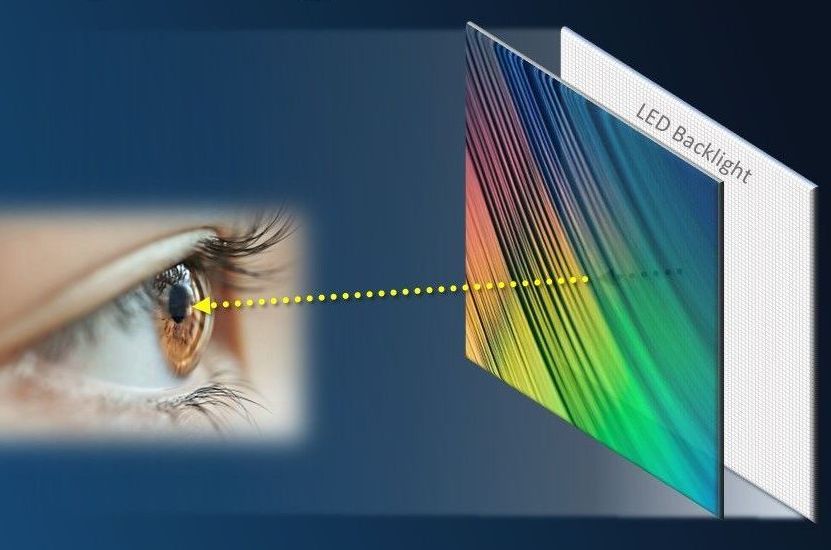
Reflective LCD (RLCD) monitors are a different breed of screen technology. Unlike most other types of displays, RLCDs do not emit their own light; they reflect ambient light. The brighter your surroundings, the better the screen looks.
This means that RLCDs don’t always thrive in the dim, lamp-lit setups that many of us are used to. They require a different approach to lighting, which can take some experimentation, a bit of patience, and sometimes a few workspace adjustments. But for those who stick with it, the payoff is significant: a screen that is far gentler on the eyes.
This guide will help you optimize your setup for the best possible RLCD viewing experience.

Helpful Tips for Setting Up Your RLCD Workspace
Every user’s space is different, but these tips provide a solid starting point:
Tip 1: Face your monitor toward a bright light source
Aim the light directly onto the front of your screen, not from behind or the side. Good options include:
- A sunlit window
- A bright lamp
- Or a combination of both
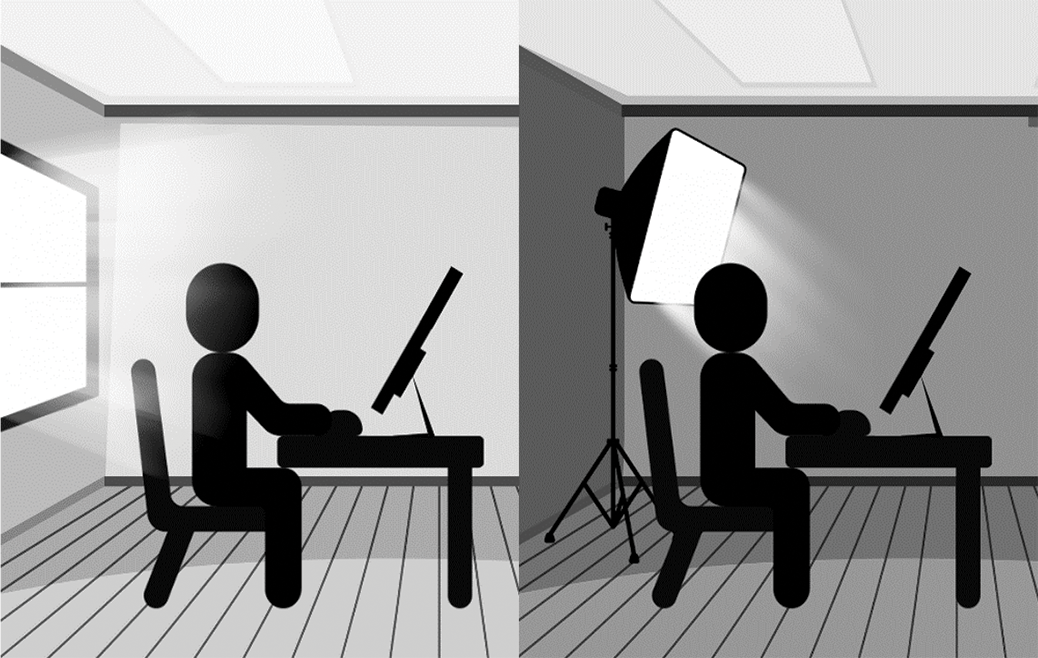
Based on our own experiences (as well as the feedback and experiences of our customers), RLCDs perform best with a mix of natural and artificial light. For nighttime or darker environments, adding artificial lighting is usually necessary. While Sun Vision Display doesn’t endorse specific lighting products, we have compiled many customer-shared setups that may help point you in a good direction. Expect to experiment with lamp placement or multiple light sources to find out what works best in your space.
Many customers report that even with added third-party lighting, RLCDs feel much gentler than backlit monitors. This is a very valuable finding, considering that eye discomfort is a common reason our tech is sought out over others. It appears not to just be about light quantity, but about light quality as well!
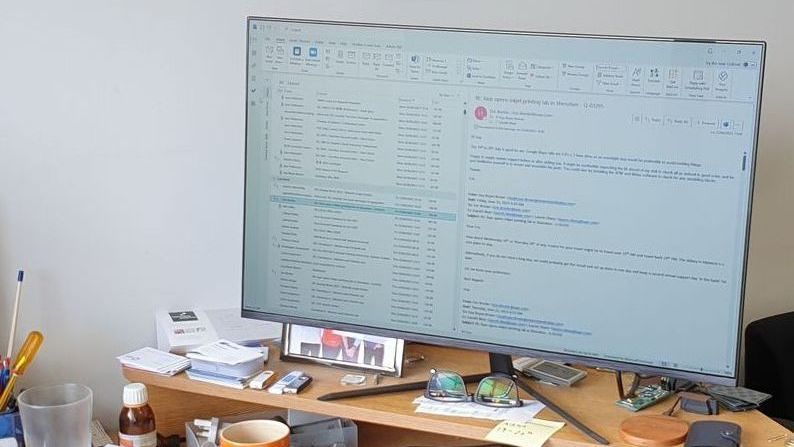
Examples from our customers:
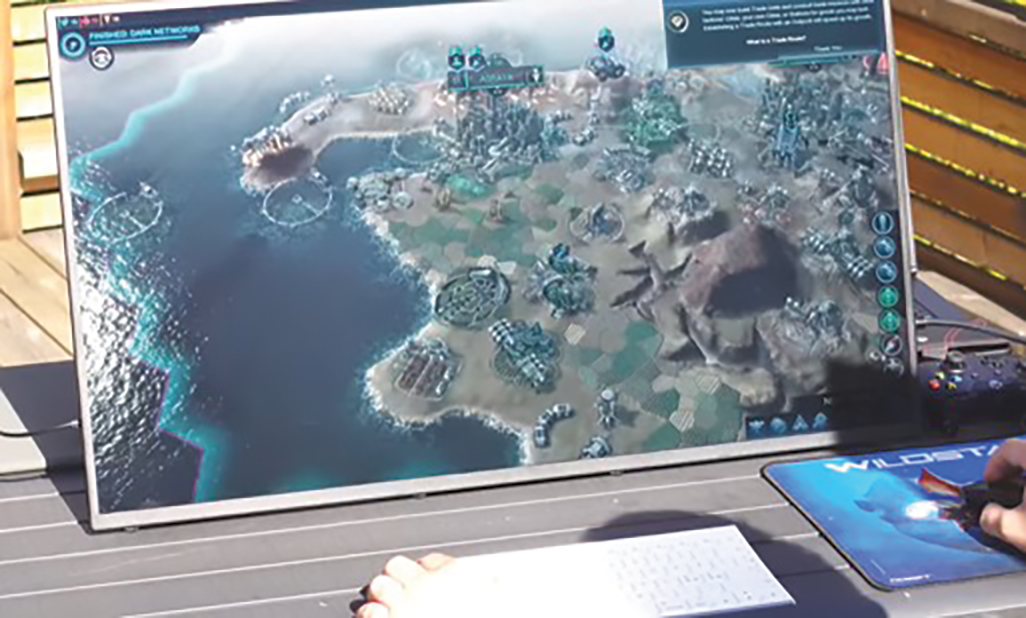
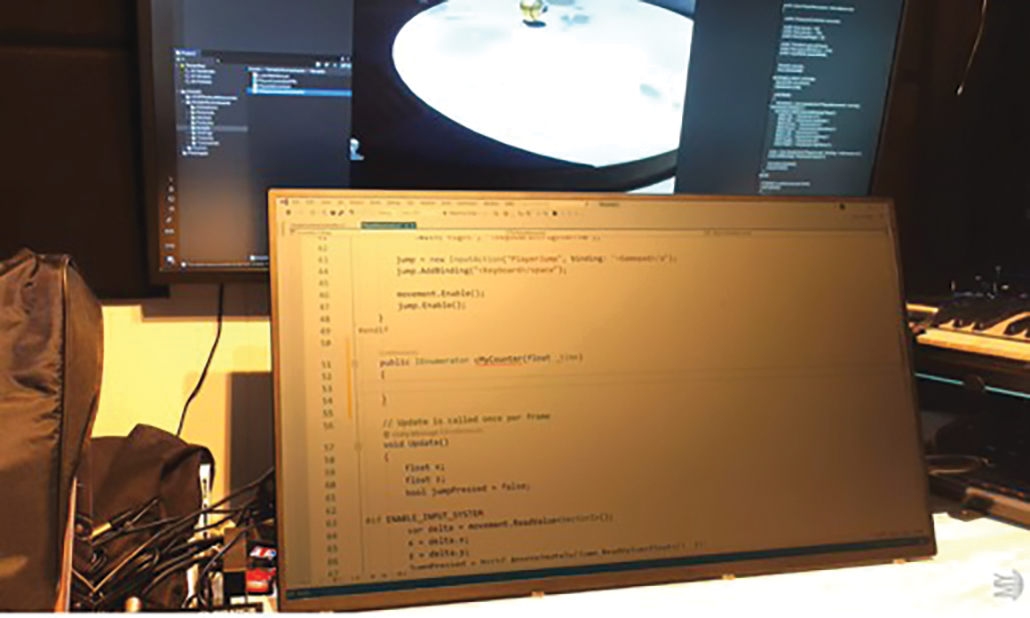
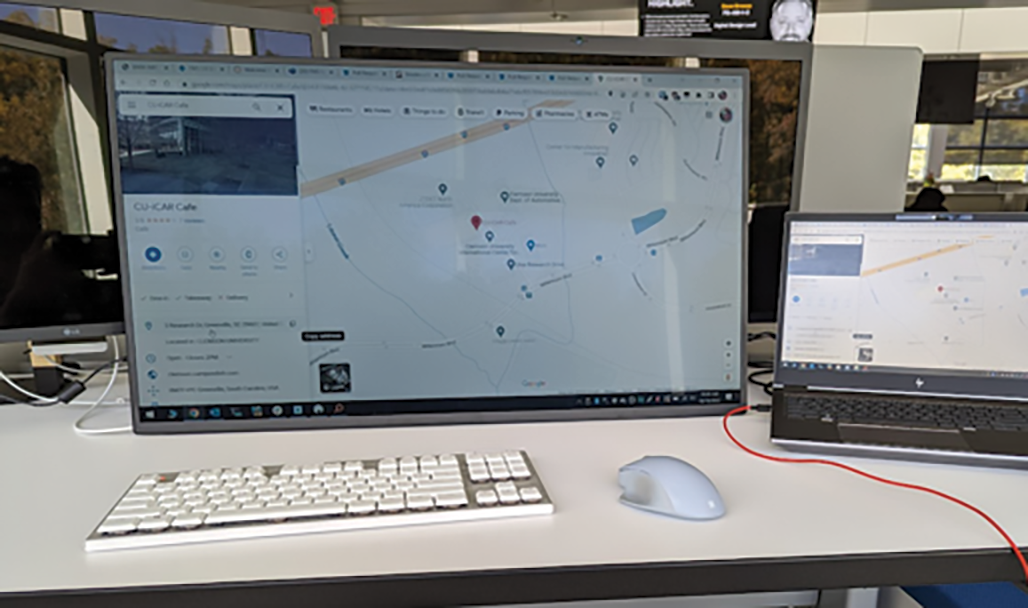
Tip 2: Aim for 500–700 LUX on the screen
User testing and feedback show that 500–700 LUX provides clear visibility without being overwhelming. Most smartphones can measure this using a free light-meter app.
Voja from My Deep Guide was one of the first to explore this approach in detail; you can see his full overview on his YouTube video here.
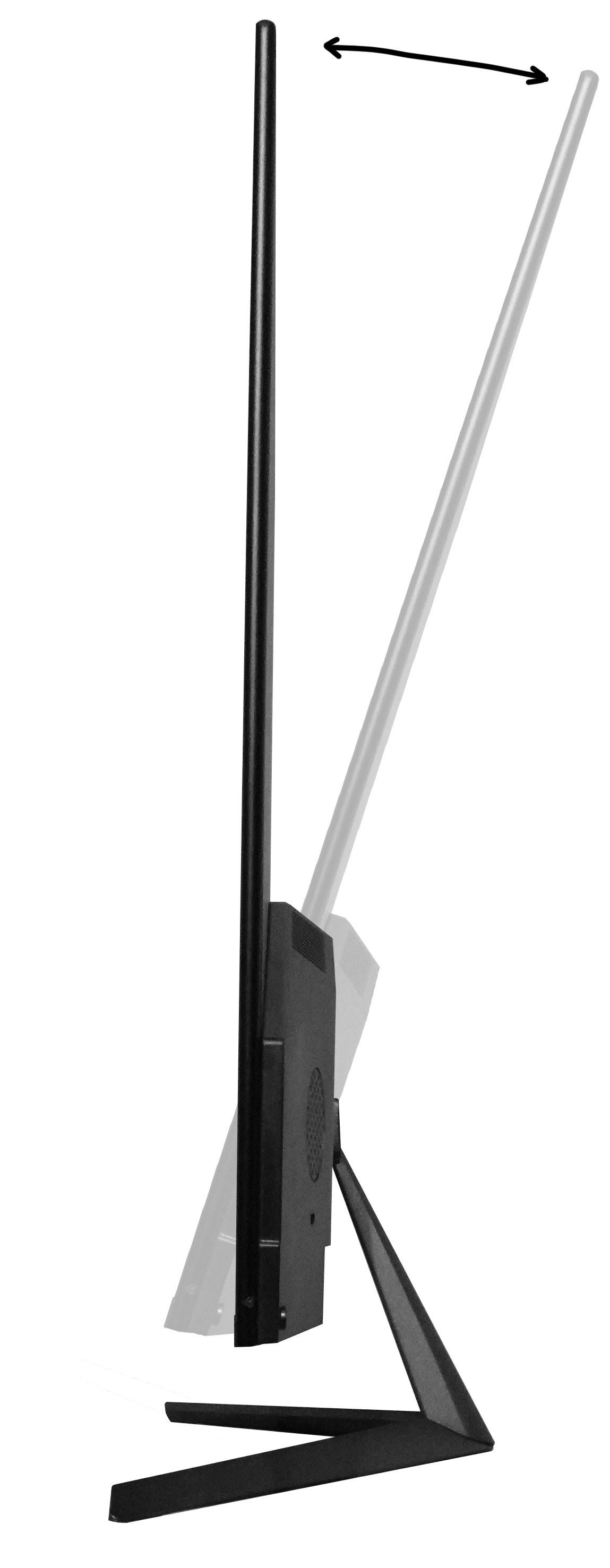
Tip 3: Tilt the screen around 30° for optimal reflectivity
Our RLCD panels are designed to reflect light most efficiently at roughly a 30° tilt angle. While using a monitor at this angle may feel unusual compared to a typical upright monitor, it is similar to what we naturally use for laptops, tablets, and books.
Your RLCD includes an adjustable stand and supports VESA mounts, so you can experiment with whatever angle works best for your space.
Important: Always handle the monitor from the back to avoid pressing on and potentially damaging the display.
“Once I angled my desk lamp correctly, the screen came to life. It's like a whole new monitor.”
– Reddit User
Tip 4: Use diffused lighting to reduce glare
If glare becomes an issue, soft, evenly distributed light can make a big difference. Many RLCD users find that adding a diffuser noticeably improves screen clarity and comfort.
Examples of diffused lighting include:
- Lamps with shades or frosted bulbs
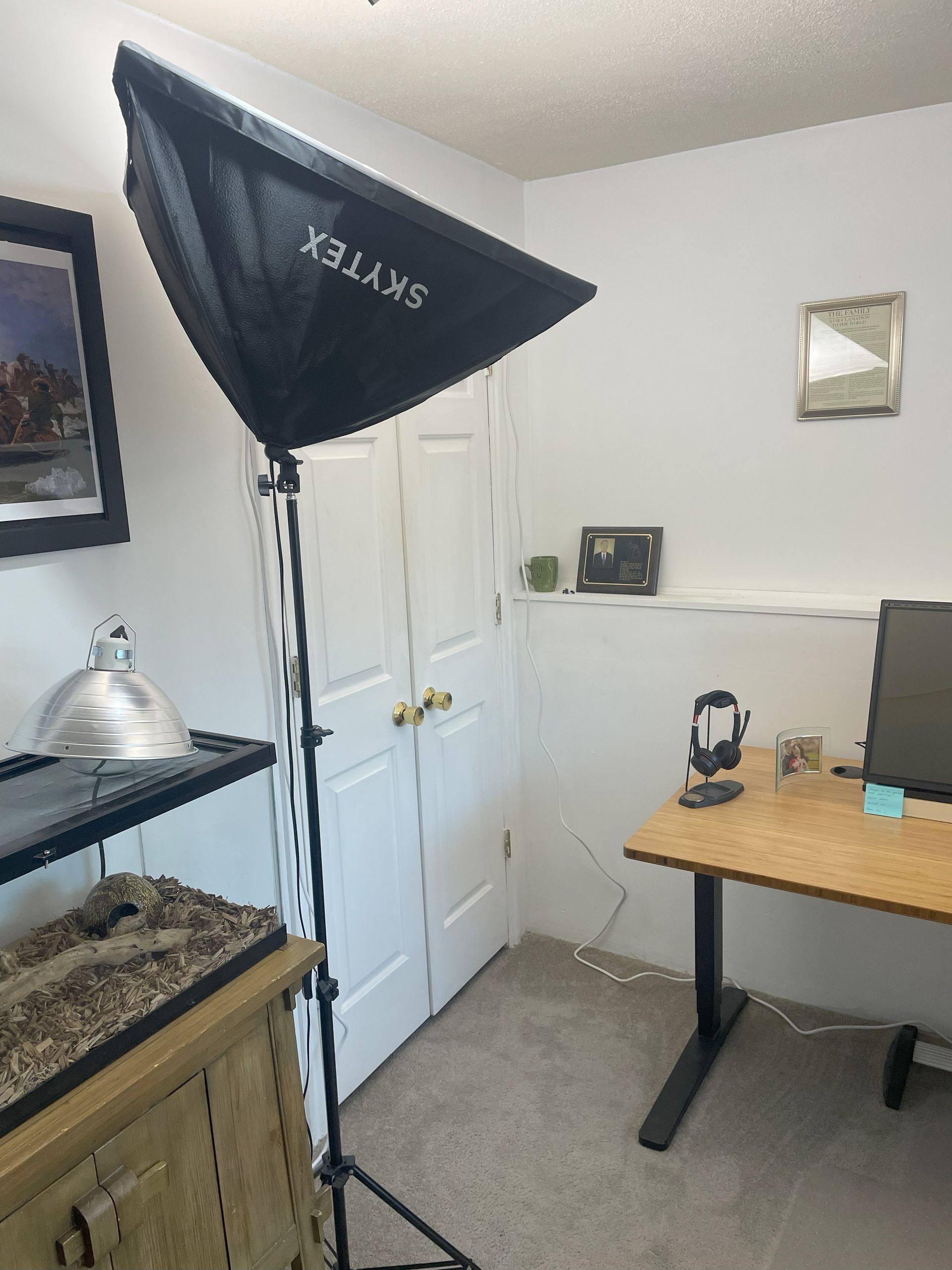
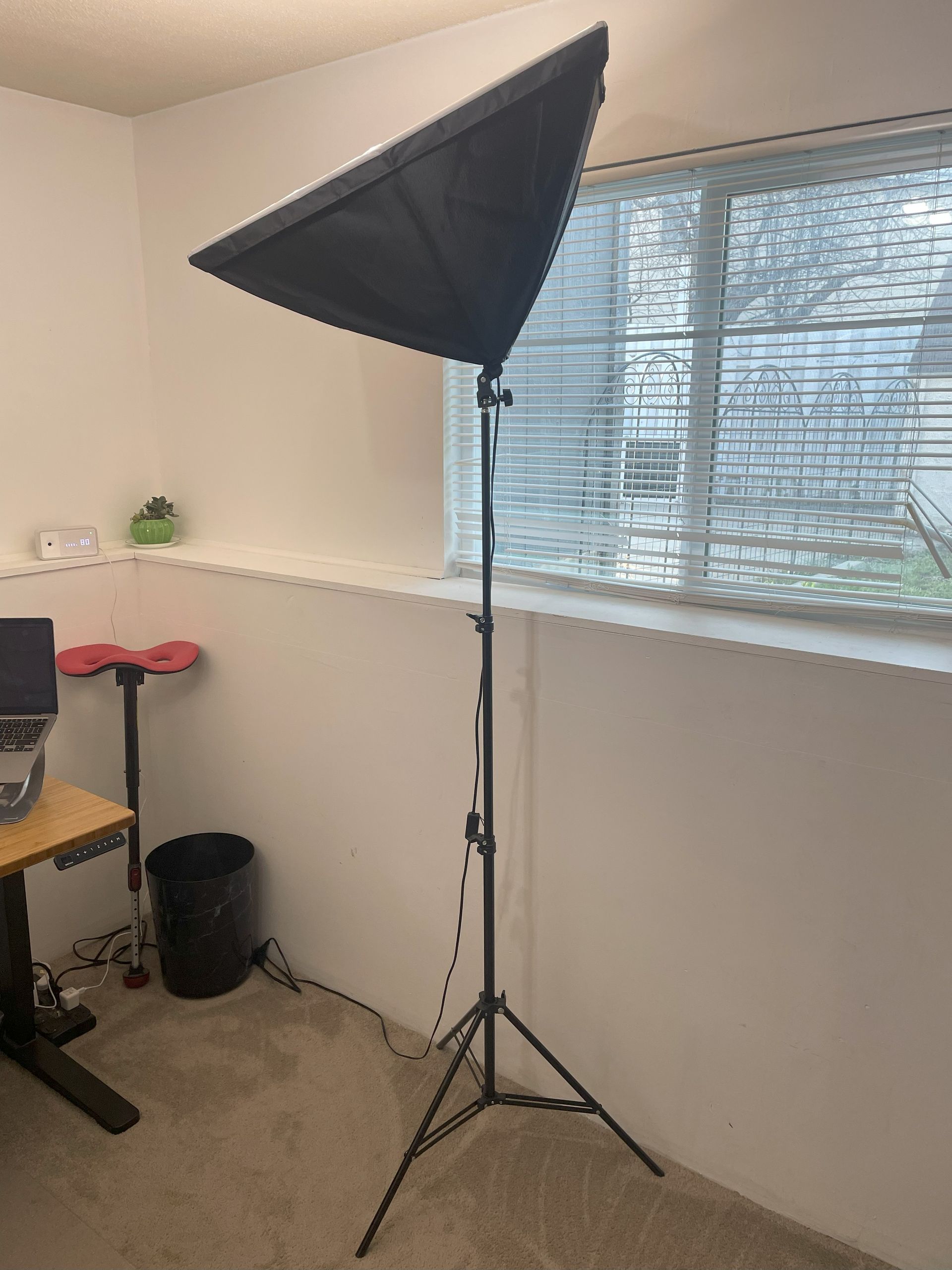
- Light panels with diffusion sheets (like those used in photography)
- LED lights with fabric diffusers
- Lights bounced off walls or ceilings
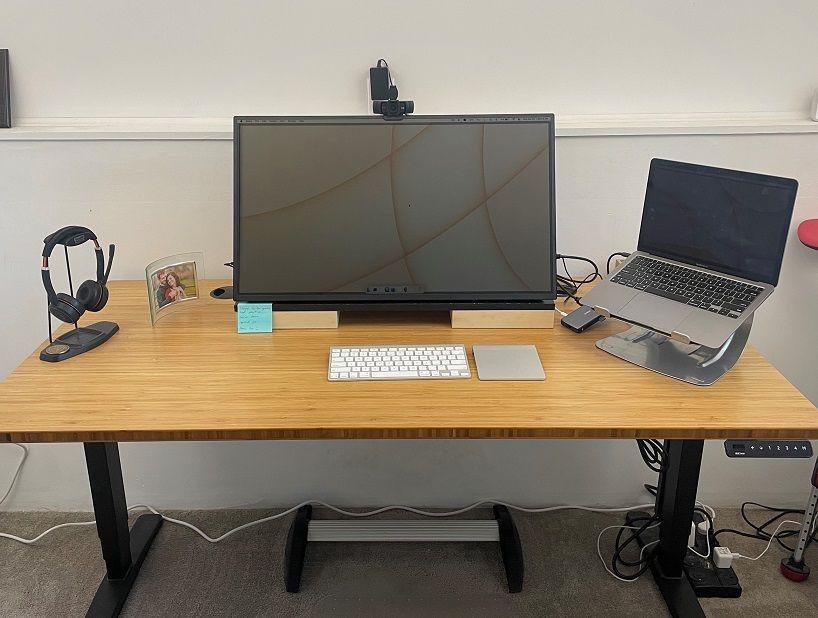
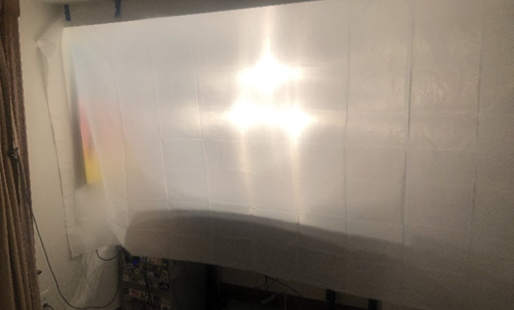
Below are a couple of customer-shared setups for inspiration.
Example 1: Photography Lighting
Example 2: Translucent Curtain
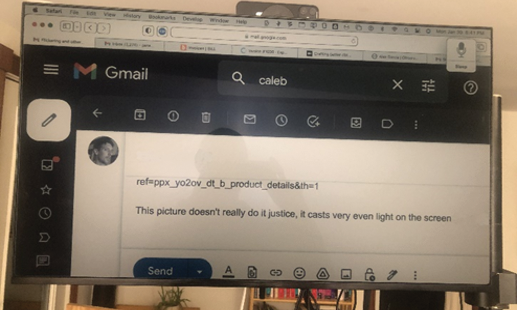
See real RLCD setups in action
Sometimes the best inspiration comes from seeing real-world examples. To the right, we've provided links to some of the more comprehensive reviews created by our customers. These include photos, lighting tips, and detailed feedback
For deeper community insights, the Reflective LCD subreddit is full of user-submitted setups, creative lighting solutions, and long-term impressions. Some of the more detailed posts are also listed to the right. These threads are great for shortcutting your own trial-and-error process.
Customer Shared Setups:
Reddit Discussions on RLCD Lighting:
Not Sure if the rE Monitor is Right for You?
Revolutionary as they are, RLCD monitors may not be for everyone. Both the technology and the user experience are fundamentally different from what most people are used to, even those who suffer from eye discomfort. That’s why it’s important to consider the factors that matter most for your needs, vision, and overall health.
For some, a monitor with 1920×1080 resolution that isn’t specifically designed for gaming or professional color work may be a dealbreaker, and we understand that. While we make every effort to keep costs down, RLCD monitors remain a niche and premium product. Technology should serve the user, and if the features and benefits of RLCD technology don’t align with your specific needs, we encourage you to carefully consider your purchase.
What makes the rE Monitor truly revolutionary is that no product like it existed before 2022. Although RLCD concepts have been around for years, there was nothing available to the public that offered large-format, full-color displays with high refresh rates suitable for video and animation — until now. Our monitors are designed for people who are sensitive to, or concerned about the health effects of, emissive displays. For many of these users, RLCD technology can be genuinely life-changing.
Our frontlit monitors - Dawn and Eve
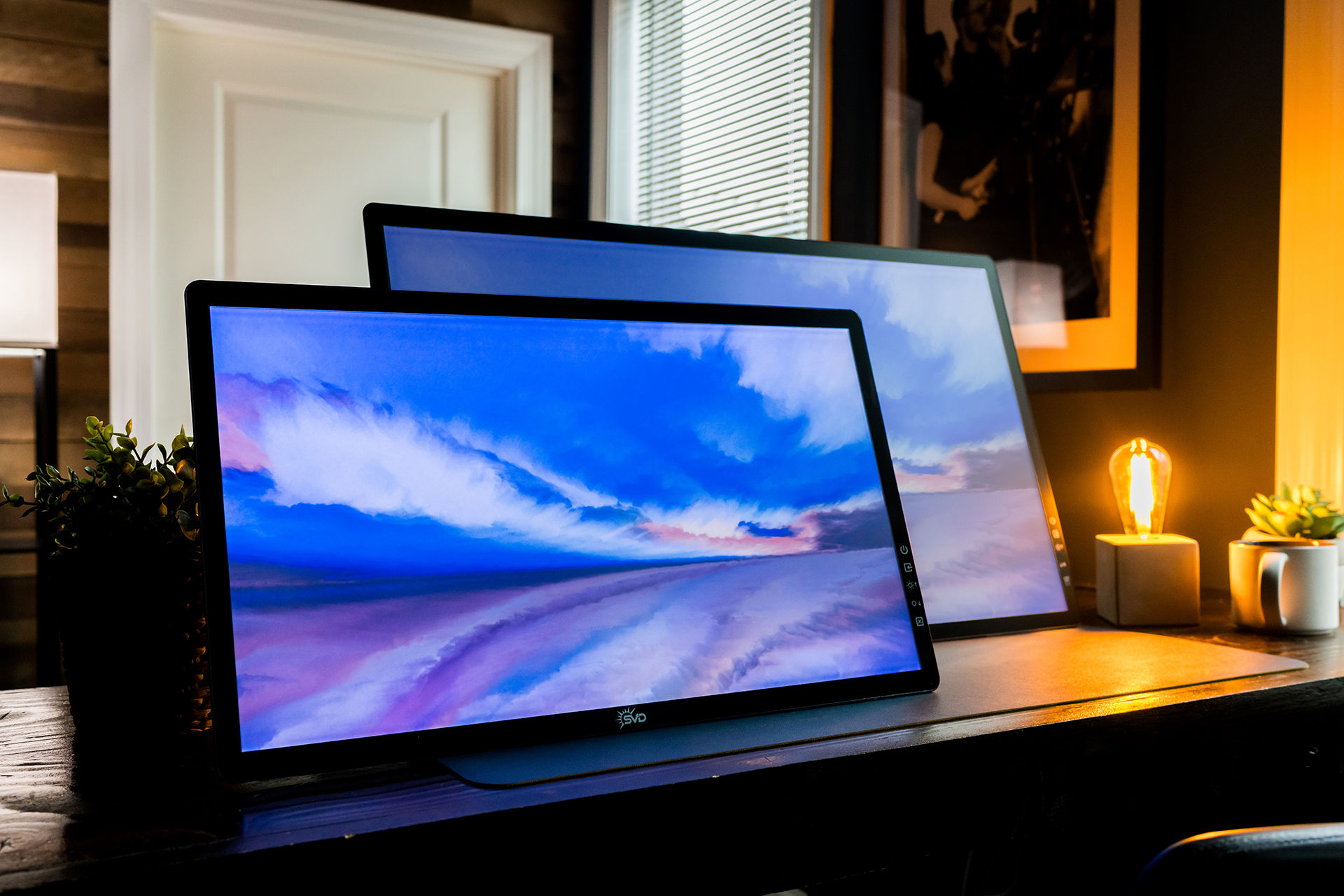
If you know you'll regularly use your monitor in dim or dark environments, or simply prefer a "plug-and-play" lighting solution, consider the rE 2.0 Dawn and Eve models with built-in frontlight.
Unlike a backlight, a frontlight illuminates the screen surface rather than shining through it, which many users find more comfortable. The frontlight on the new rE 2.0 Dawn & Eve monitors is fully adjustable, or can be turned off entirely; you control the light, not the other way around.
Additionally, our frontlights use DC Dimming to adjust brightness, making them flicker-free and easier on the eyes compared to PWM (Pulse Width Modulation). DC Dimming works by directly adjusting the voltage to control brightness, while PWM rapidly turns the frontlight on and off at high frequencies. Some users may experience eye strain from PWM flickering, especially at lower brightness levels, but DC Dimming eliminates this issue for a more comfortable viewing experience.
try before you buy
Not sure if the RLCD technology is right for you? Come try any model of our rE Monitors in person at one of our demo sites in Orlando, Florida; Elgin, IL; and Malvern, UK.
Email
customerservice@sunvisiondisplay.com to set up an appointment.
your purchase is protected
If a demo visit isn’t possible, rest assured that your purchase is backed by:
- Free shipping (US & UK)
- 30-day Return Policy (US & UK)
- 1-Year Standard Warranty (extendable up to 3 years)
We're Here to Help
If you’d like personalized lighting suggestions based on your workspace, feel free to reach out to us at
customerservice@sunvisiondisplay.com. We are always happy to help you get the best possible experience from your RLCD Computer Monitor.