Practicing Social Distancing: How to Take a Holiday Office Picture
Happy Holidays from our Sun Vision Display team!
We hope you are staying healthy and finding some time to rest and reflect on the past year. It was quite a rough year for most of us! We hope you're hanging in there, and that the new year brings good things.
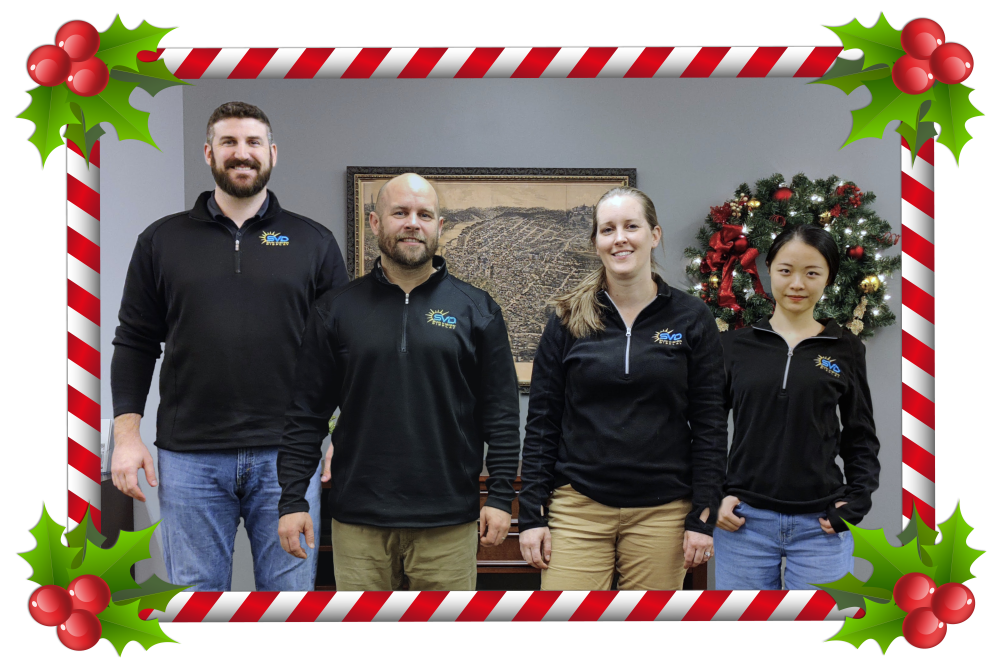
We had a bit of fun this year with our Holiday office photo. If you can believe it, the below picture was done while social distancing. Want to find out how we did it? Keep reading...
Step 1: Be safe, so everyone can have fun.
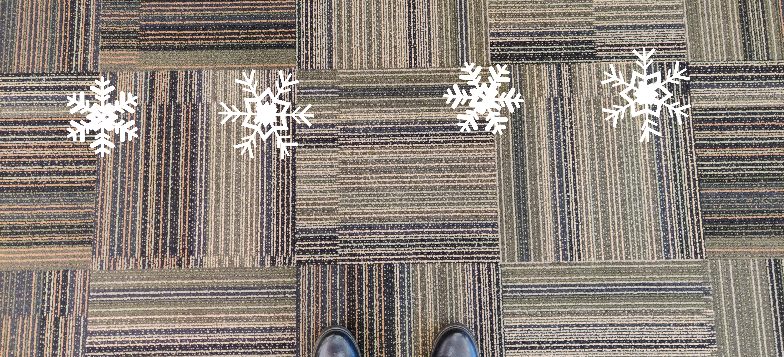
Step 2: “X” marks the spot.
Mark out locations and set up a camera in a fixed spot. Use easy-to-see floor markers that can also be hidden in the end pictures. Tape on the floor works great.
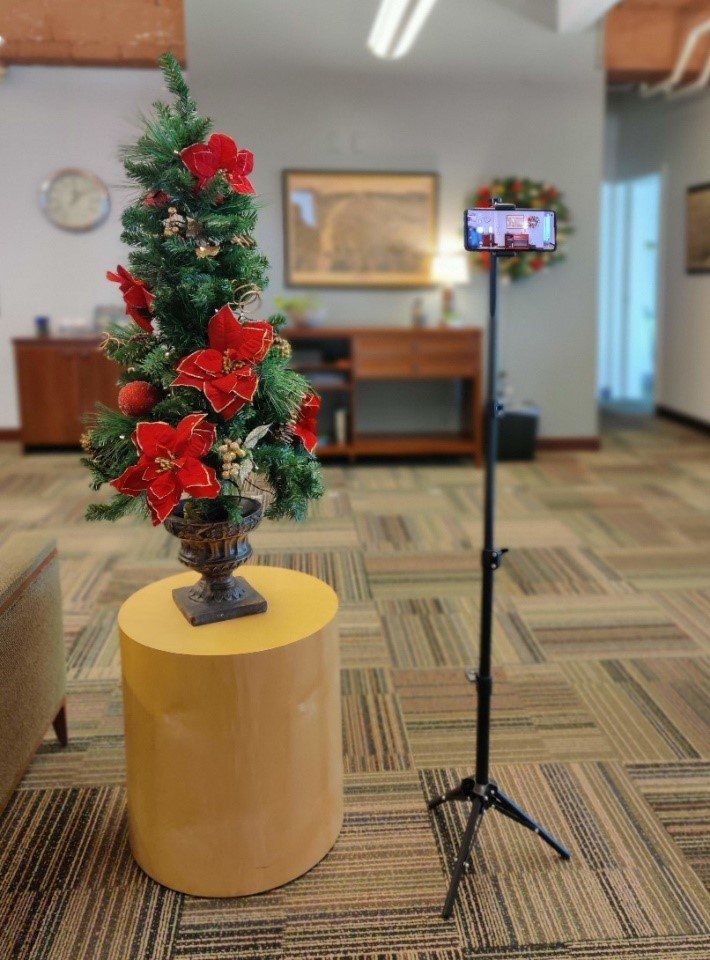
Step 3: Hold that pose.
Arrange for co-workers to stand in their spot long enough to take picture. Imagination is key. Use background landmarks to position people in way that will minimize overlapping in the final picture. Overlapping makes editing and splicing more difficult. TIP: Take all of the pictures at the same or as close as possible to reduce lighting condition differences.
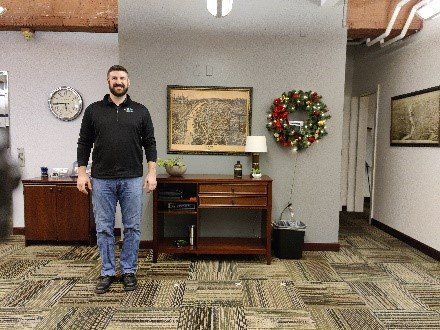
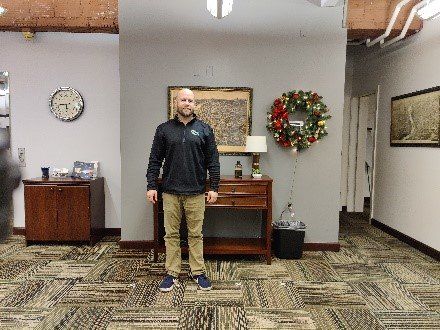
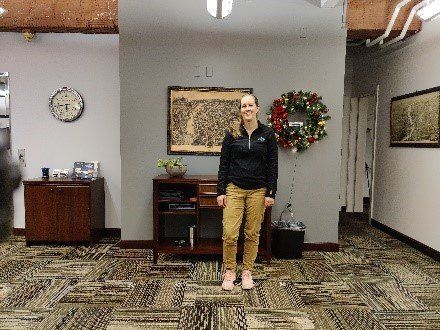
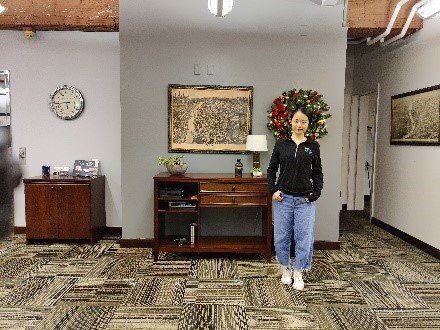
Step 4: Put it all together.
Merge pictures using Photoshop, Paint, or any other photo editing software you may have. Depending on the complexity of the background and lighting, almost any program will be able cut and paste these all together. When you’re finished, show off your good work!
Step 5: And if all else fails, use SnapChat filters!
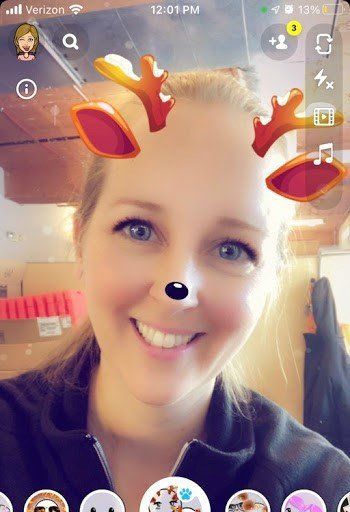
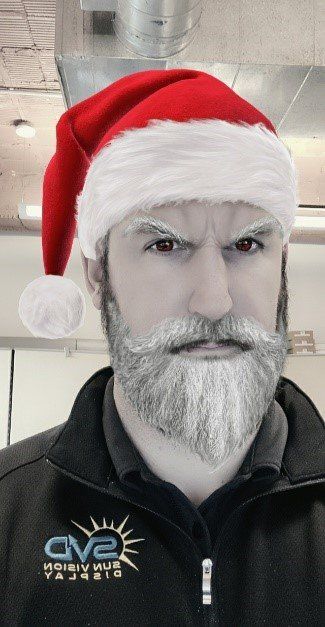
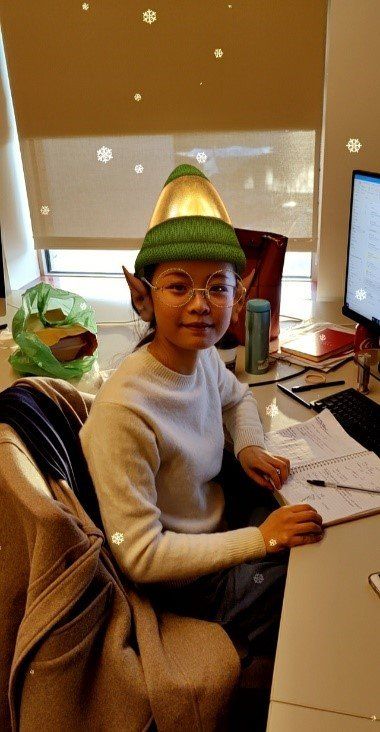
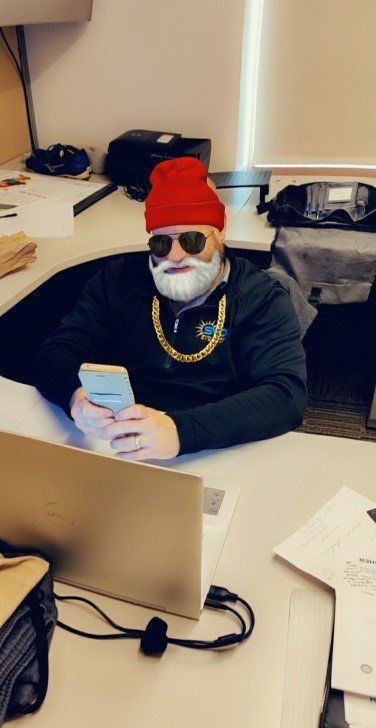
We hope this tutorial was helpful, or at least put a smile on your face. Either way, thanks for reading! We wish you all the best this Holiday season and in the New Year!
Sincerely,
The Sun Vision Display Team (Rudolph, Santa, Elf, and that other guy)
WANT TO KNOW MORE?
Contact Us